
Delete your account
We respect users' rights to control their data. If you wish to delete your account, follow these steps:
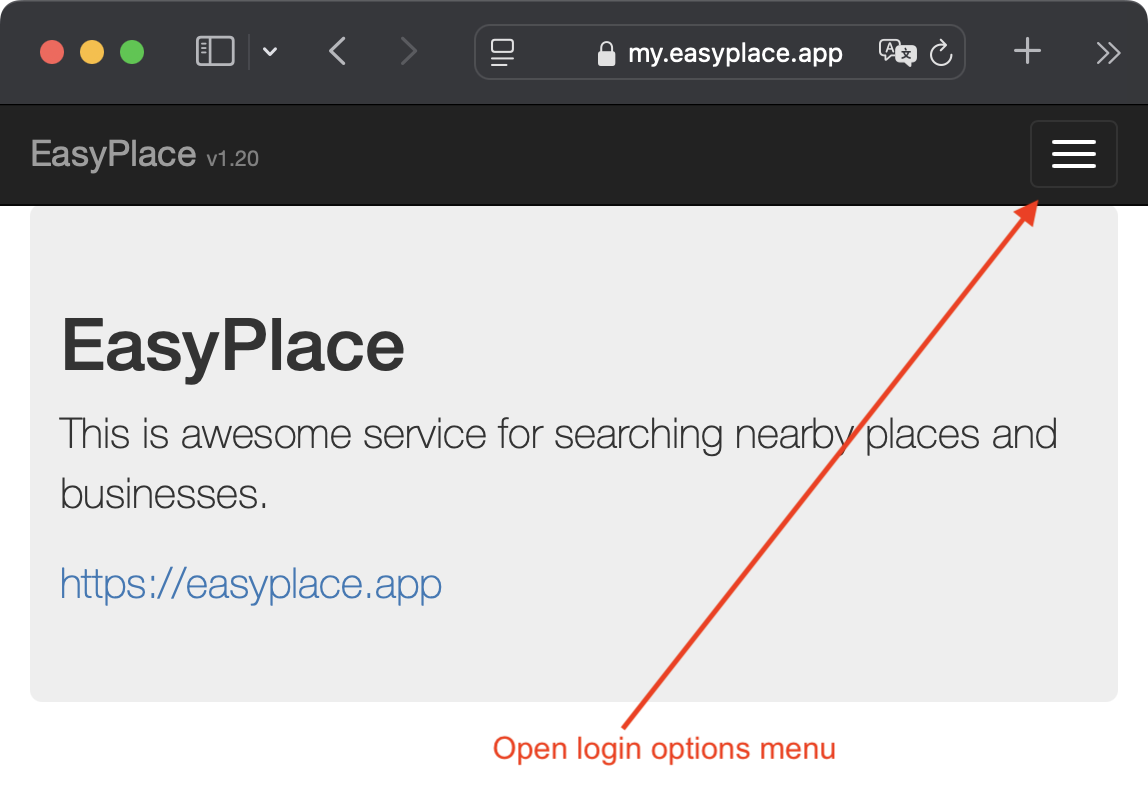
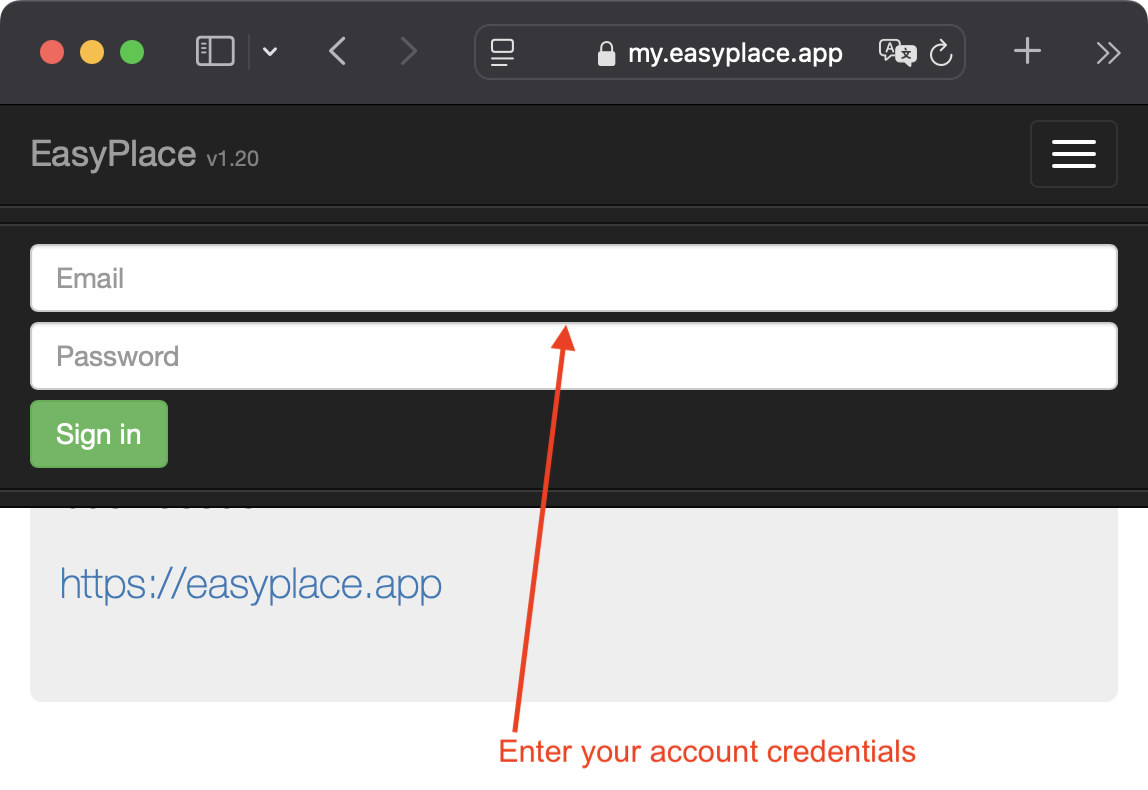
- Log in to your account at my.easyplace.app.
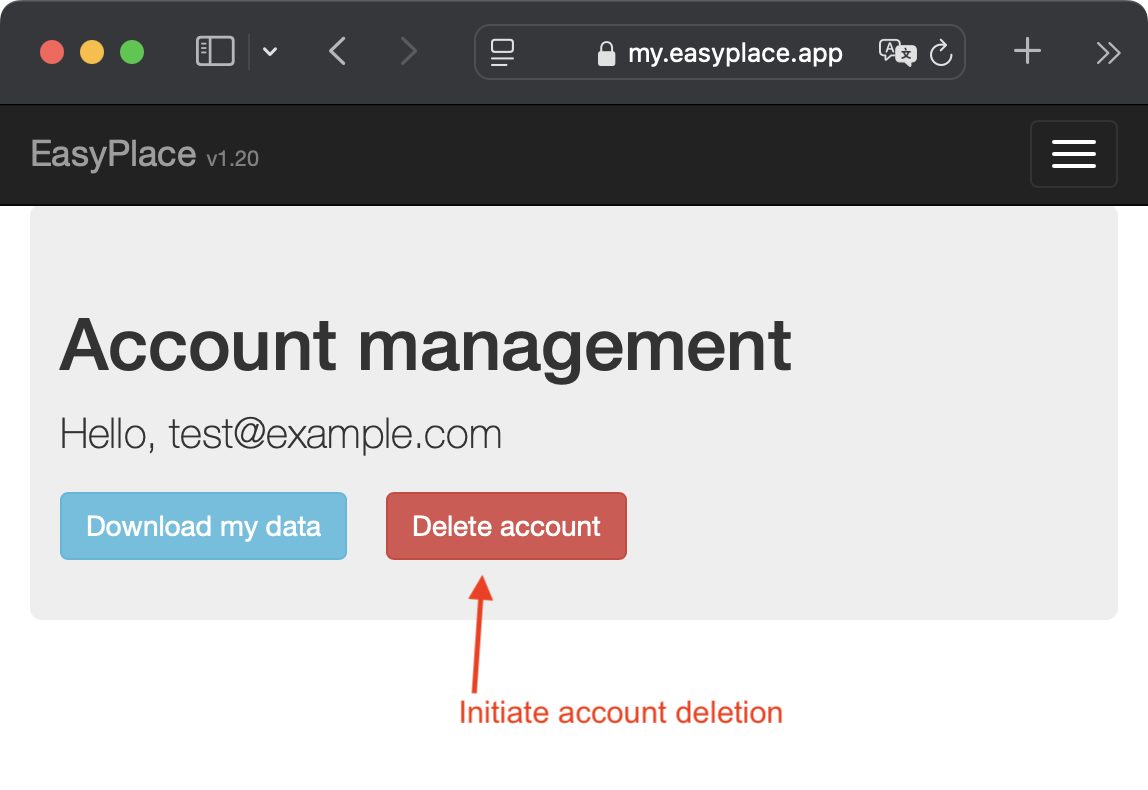
- Select the Delete Account option.
- Confirm the deletion.
What happens after deletion?
- All data associated with or created by you in EasyPlace will be permanently deleted.
- We do not retain your data after your account is deleted.
- This process is irreversible, and the account cannot be restored.
If you have any questions, please contact support: brite@brite-apps.com.